










Tap an NFC tag and your phone calls your server
Scan any NFC tag and your phone sends an HTTP request you designed to a server you chose. The request carries the tag's UID, its chip details and whatever is written on it. Stickers, badges, fobs and labels you never wrote all work. No account, no cloud, nothing in between.
For iPhone (iOS 18 or newer) and Android (8.0 or newer). Free and open source.
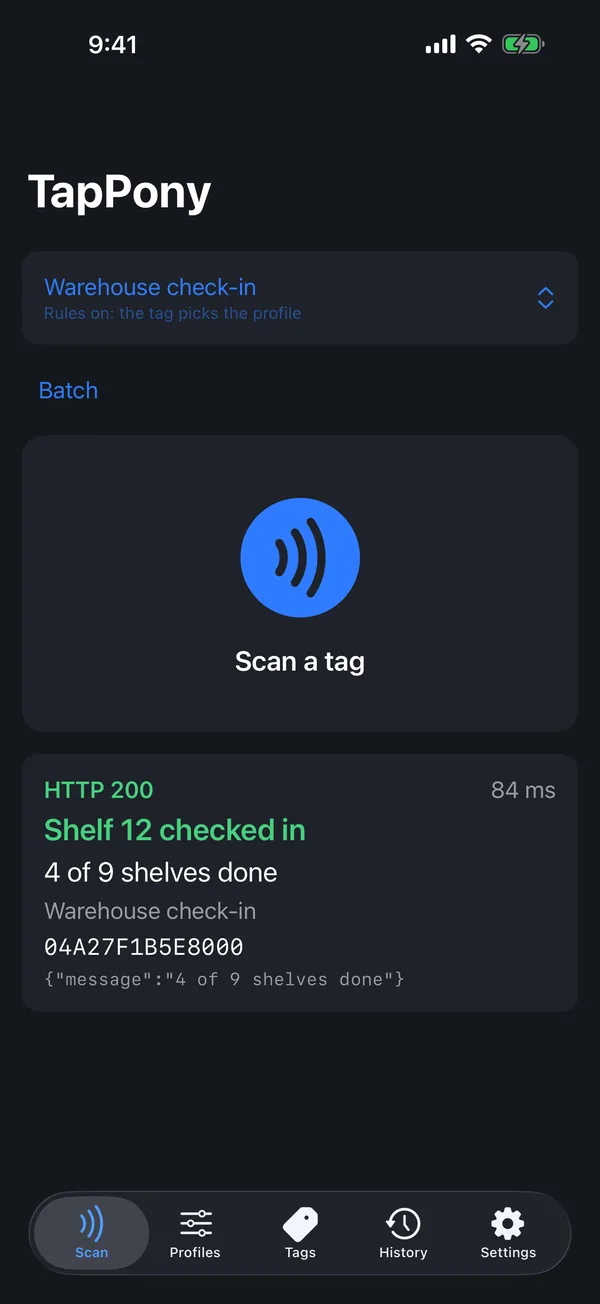
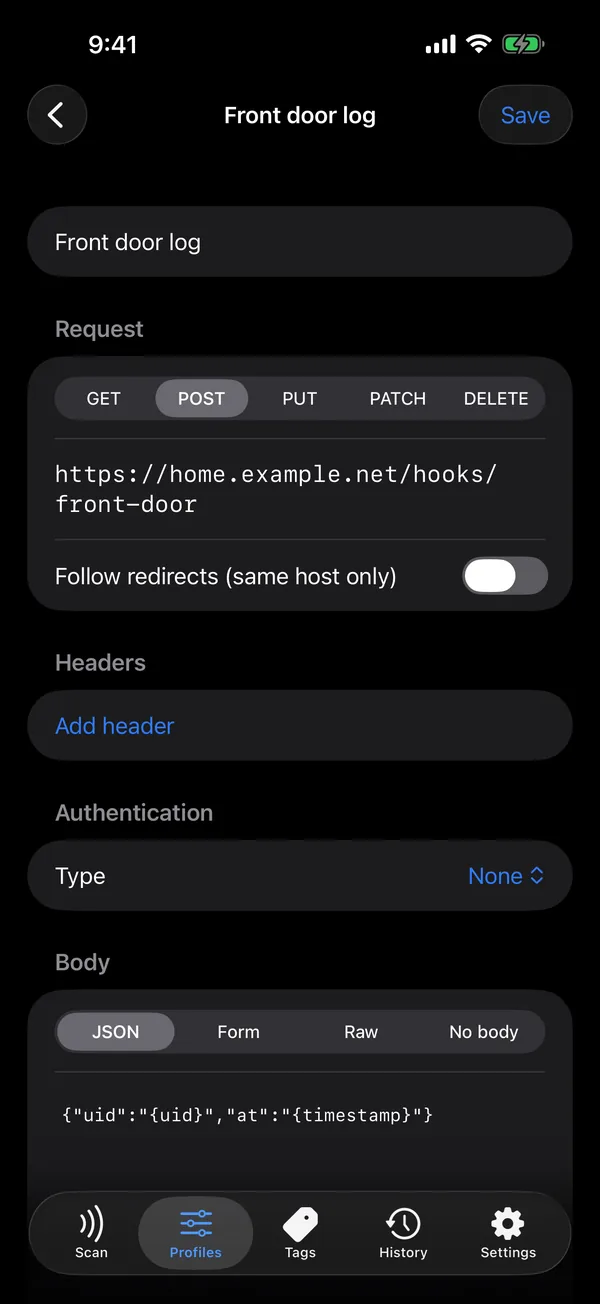
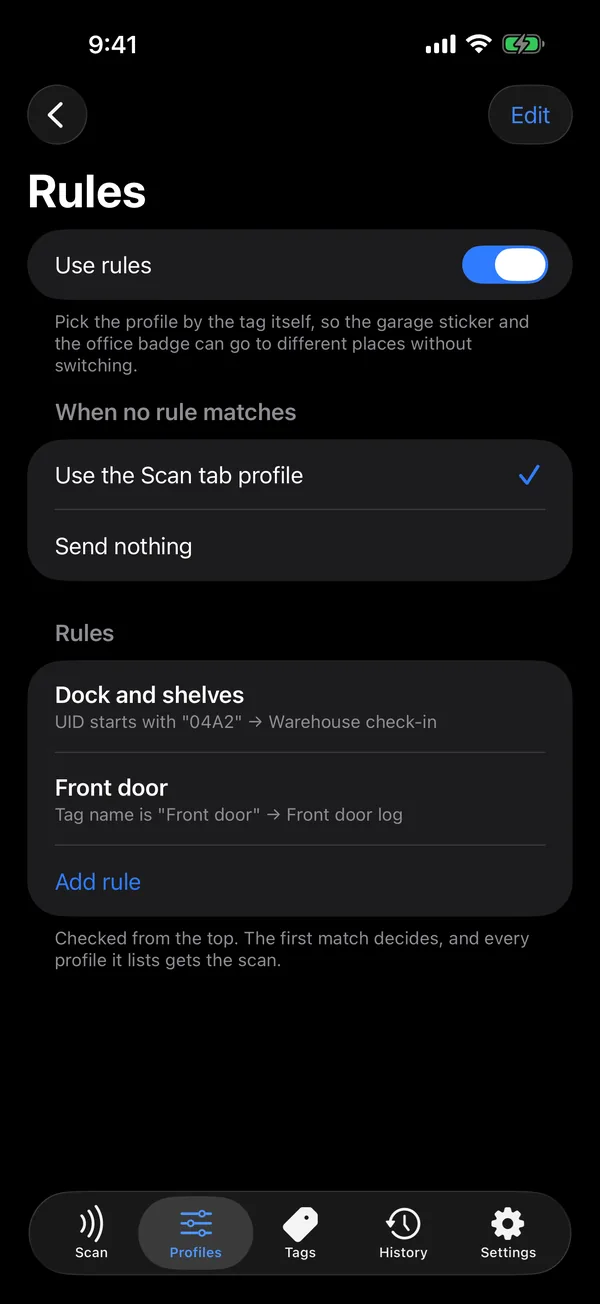
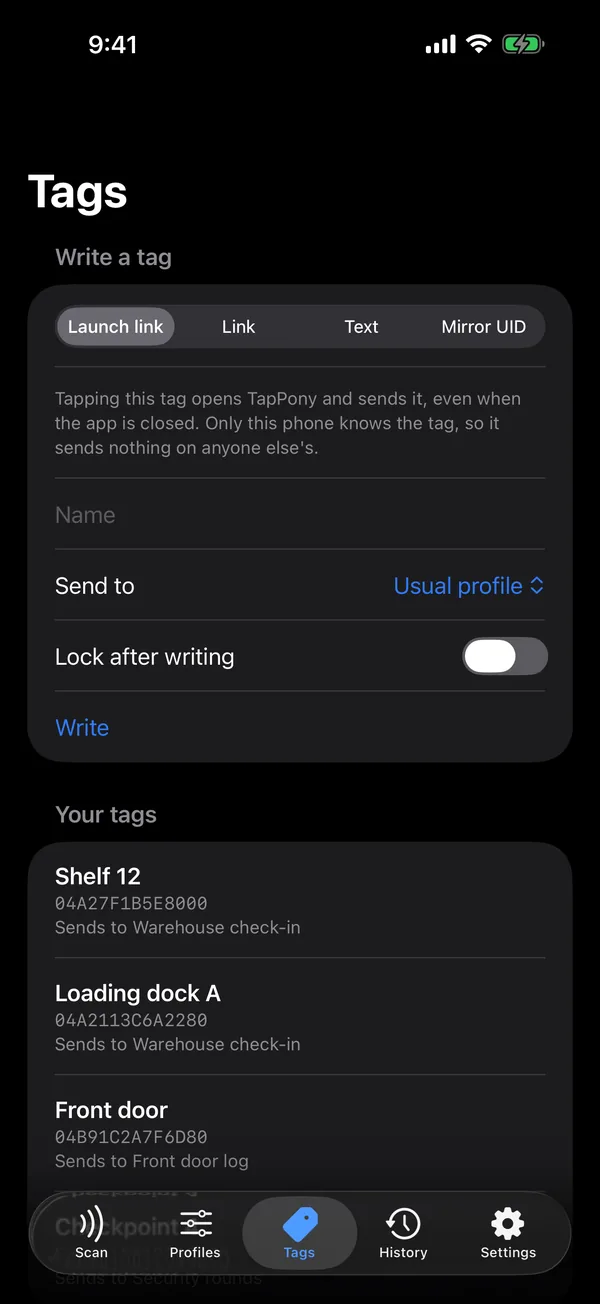
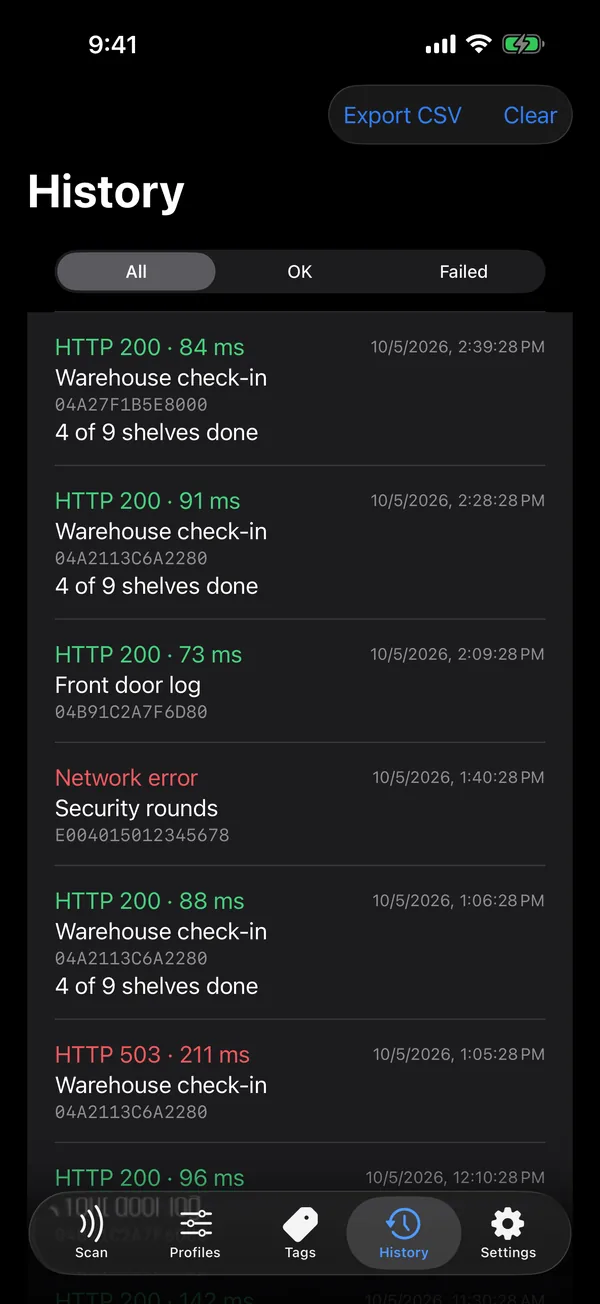
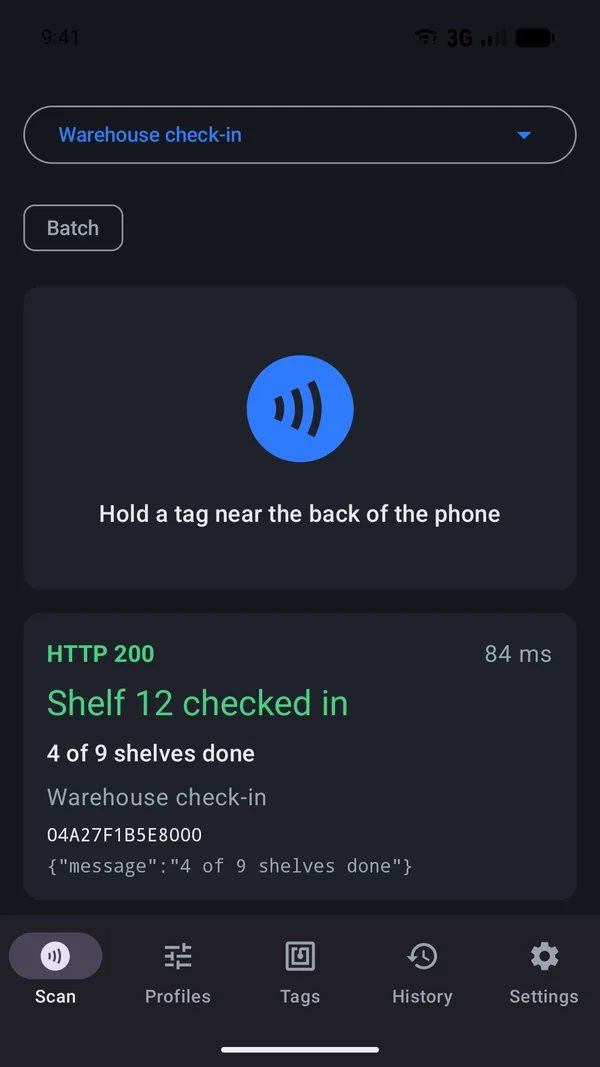
It reads the tag itself
iPhone Shortcuts can react to a tag but never hands you its UID or content, and most NFC apps only fire on tags they wrote themselves. TapPony reads the tag's own identity and sends it wherever you point it.
- Any tag
- NTAG stickers, ICODE labels, DESFire cards, FeliCa, ISO 15693. The UID comes in canonical byte order, plus the chip model, the NXP originality signature and the scan counter when the chip has them.
- Your request
- Method, URL, headers, and a JSON, form or raw body built from templates like
{uid}and{payload}. Bearer, basic or API key auth, with every value escaped for where it lands. - The reply, on screen
- Pick a field from the server's JSON reply or a header and it shows large after each tap, like "Checkpoint 4 of 9". It can also be read out loud for hands-free rounds.
- Rules and batches
- Route each tag to the right profile by UID, chip, content or a name you gave it. Tap thirty boxes in a row in batch mode. Scans made offline wait on the phone and go out in order.
What your server receives
One request per scan, shaped by your profile. This one is the standard JSON body most presets start from. Your server can answer with a message, and TapPony shows it on the phone.
Every variable, the template syntax and signature checks in PHP, Python and Node.js are in the docs for receivers.
POST /api/webhook/front-door
Content-Type: application/json

{
  "uid": "04A27F1B5E8000",
  "chip": "NTAG215",
  "payload": "Kitchen door",
  "timestamp": "2026-09-28T18:30:05Z",
  "seq": 42
}
{"message":"Checkpoint 4 of 9"} shows on the phone after the tap.How people use it
Home Assistant
A tag by the door runs a scene. Existing cards can act as Home Assistant tags without the companion app writing to them.
Asset tracking
Stickers on equipment, one tap per item into a spreadsheet or inventory system. The UID matches what your desktop reader prints.
Rounds and checklists
A tag at each checkpoint proves you were there. Works in basements and parking decks, and the server can answer with the next stop.
Your own scripts
n8n, Node-RED, ntfy, a ten-line PHP script. TapPony is an NFC event source with a request you fully control.
Start a scan from anywhere
On iPhone: a Control Center and Action button control, Home and Lock Screen widgets, and Shortcuts actions. "Read NFC Tag" returns the UID and content into any shortcut, and "Scan and Send" returns the server's answer. On Android: a Quick Settings tile and launcher shortcuts per profile. Both open tappony://scan links from other apps.
Tags you write yourself can carry a TapPony launch link, which opens the app and sends even when it is closed.
No TapPony server in between
The request goes from your phone straight to your server. There is no TapPony account and no TapPony cloud. Profiles and history stay on the phone, secrets live in the iPhone Keychain or the Android Keystore, and the app has no analytics. Plain HTTP is only allowed to addresses on your own network, and only when you turn it on for that profile.
Download TapPony
TapPony for iPhone is out on the App Store. Android is still in beta, with builds posted as direct downloads and F-Droid to follow. iPhone needs iOS 18 or newer, Android needs 8.0 or newer.